
4 Reasons You Should Put Your Disaster Recovery in the Cloud
Disaster recovery is an essential step in a business continuity plan—one that can drastically reduce downtime after a man-made or natural disaster. If you want to optimize the process, the cloud offers distinct advantages compared to traditional solutions.
Here are four reasons why you should put your disaster recovery in the cloud.
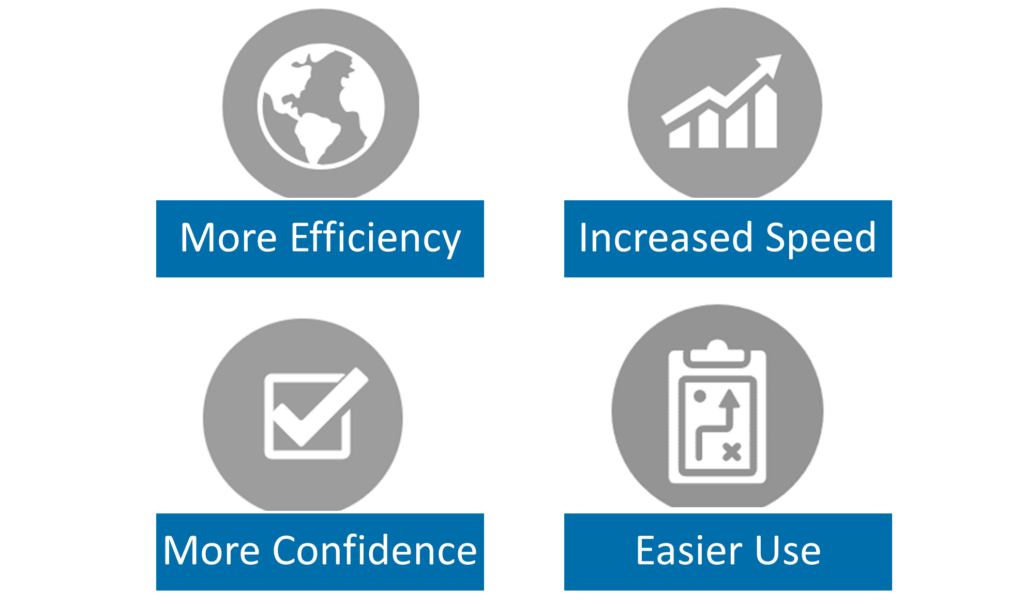
1. More Efficiency Through Geographic Redundancy
The cloud is made up of physical servers, but the actual machinery is spread out over different locations. If you haven’t put your disaster recovery in the cloud and all of your backups are confined to the same general geographic area, a flood that wipes out equipment in your office is likely to wipe out any nearby equipment as well.
When you put your disaster recovery in the cloud, if your applications are lost in your city, they can be recovered without fanfare in another.
In addition, cloud-based backups eliminate the cost of maintaining separate off-site infrastructure. The biggest providers have more than a million users, and they specialize in scaling the art of disaster recovery. You won’t have to pay for server space you’re not using, and you won’t have to worry about power costs every time temperatures take a turn or humidity increases.
Plus, it’s common for companies with on-site servers to overpay for data storage because they’re only using a fraction of their computing capacity.

When you put your disaster recovery in the cloud, a reputable cloud provider will leverage its position in the market to provide better protection and efficiency. If you’re nervous about the security of spreading out your data, consider the true costs of keeping it all in one place.
2. Increased Recovery Speed
Obviously, no business wants to experience downtime, but some can go longer than others before they really start to feel the revenue squeeze. With your disaster recovery in the cloud, you can enable faster data recovery, so you can minimize the impact on business operations.
(Note: If you’re not using disaster recovery as a service, it may take you even longer to access the data you need in the event of a disaster.)
The recovery time objective (RTO) refers to how long your systems can go before they’re backed up, while the recovery point objective (RPO) refers to how long your systems can be down in the event of a disaster.

These time periods vary based on the agreement your business will make with a cloud provider. A baseline RPO might be four hours, while a baseline RTO might be eight hours.
When you put your disaster recovery in the cloud, assets like an automated failover mechanism can fully replicate your current machinery, which means you may only have to wait a few seconds before you can jump back into the fray. Compare that to a 1TB database, which could take hours to restore.
In addition, with your disaster recovery in the cloud, you’re less likely to lose data because you don’t have to copy it over to your primary equipment.
3. More Confidence in Your Response Through Testing and Validation
Businesses often underestimate the effort it takes to create a disaster recovery plan. It needs to account for multiple scenarios, including break-ins, overseas hacks, force majeures and unexpected equipment failure. Plus, it needs to be constantly updated based on ever-changing threat factors, particularly among the criminal community.
If you want to be more confident when it comes to your response, putting your disaster recovery in the cloud makes it possible to test and validate your procedures.
You can run non-disruptive disaster recovery testing during business hours to get a general idea of your plan’s efficacy, and you can use disruptive testing when you want hard numbers showing how long it will take to get back up and running—and if you’ll lose any data along the way.

Once you see your disaster recovery plan in action, it becomes easier to point out its fatal flaws. These types of regular tests can help you stay on top of who’s managing which tasks, especially if your organization sees regular changes in roles.
If you don’t have your disaster recovery in the cloud, running more traditional testing can take much more time and energy, which ensures it gets pushed to the back of the to-do list.
4. Easier Use and Access
When you put your disaster recovery in the cloud, you’ll have access to management tools and interfaces that are far more user-friendly than traditional data storage methods.
In recent years, the improvements made to cloud systems and functionality have been true game changers for hundreds of thousands of businesses.
If you have very specific requirements for your cloud backups, such as who has access to which applications, when you put your disaster recovery in the cloud, you can set specific parameters based on individual security clearance and then adjust as things change.

Even if the primary location is unavailable during the worst of a disaster, you can still access your critical data anywhere you can find an internet connection.
Learn More About Reducing Your Risk by Putting Your Disaster Recovery in the Cloud
If you can’t afford to lose a few hours of revenue, let alone a few days, then you also can’t afford to leave your disaster recovery to chance. A cloud-based disaster recovery plan may cost time and money, but it should save you more overall.
If you want to learn more about putting your disaster recovery in the cloud, an advisor at Warren Averett Technology Group can help you find the right provider and determine your appropriate accessibility levels. Connect with us today to speak to an expert.
